The infrastructure layer your software runs on, in one platform.
One dashboard for the servers, domains, databases, certificates, backups and monitoring your software runs on. Deployments ship from it, certificates renew themselves, backups run nightly, and monitoring reaches you before your customers do.
Running one application quietly turns into a procurement problem.
None of it is optional, and none of it arrives bundled. It shows up one vendor at a time — each with its own invoice, its own login, and its own way of failing.
What you pay for today
- Cloud servers
- SSL certificates
- Database hosting
- Backups
- Object storage
- Transactional email
- Uptime monitoring
- Deployment tooling
8 vendors, 8 invoices, 8 logins.
What you pay for with us
The same stack, in one platform that patches it, renews it, backs it up and watches it. One invoice, one login, one place to see all of it.
What you get
The platform runs the whole layer — so the work that keeps software online stops depending on somebody remembering to do it.
No DevOps hire
Patching, certificate renewal, backup verification and database tuning are built into the platform and run on a schedule. None of it is a part-time job somebody picks up between features, which is where the gaps come from.
Security is handled
Firewalls, key-only SSH, repeated-failure banning and operating-system updates are applied to every server in your account on a schedule — not deferred until an audit or an incident asks for them.
Scales with the traffic
Servers are sized, tuned and scaled out as volume grows. A launch, a campaign or an exam-day spike is a capacity change planned in advance rather than one discovered at 2am.
Everything is backed up, and watched
Every database is dumped nightly to offsite storage and uptime is checked continuously. Both are verified — a backup nobody has restored and an alert nobody receives are the same thing as neither.
Your dashboard
One place for every application on the platform: what is deployed, which addresses it answers on, whether the certificates are current, and what your package covers. Deployments, domains and your package are all changed from these same screens.
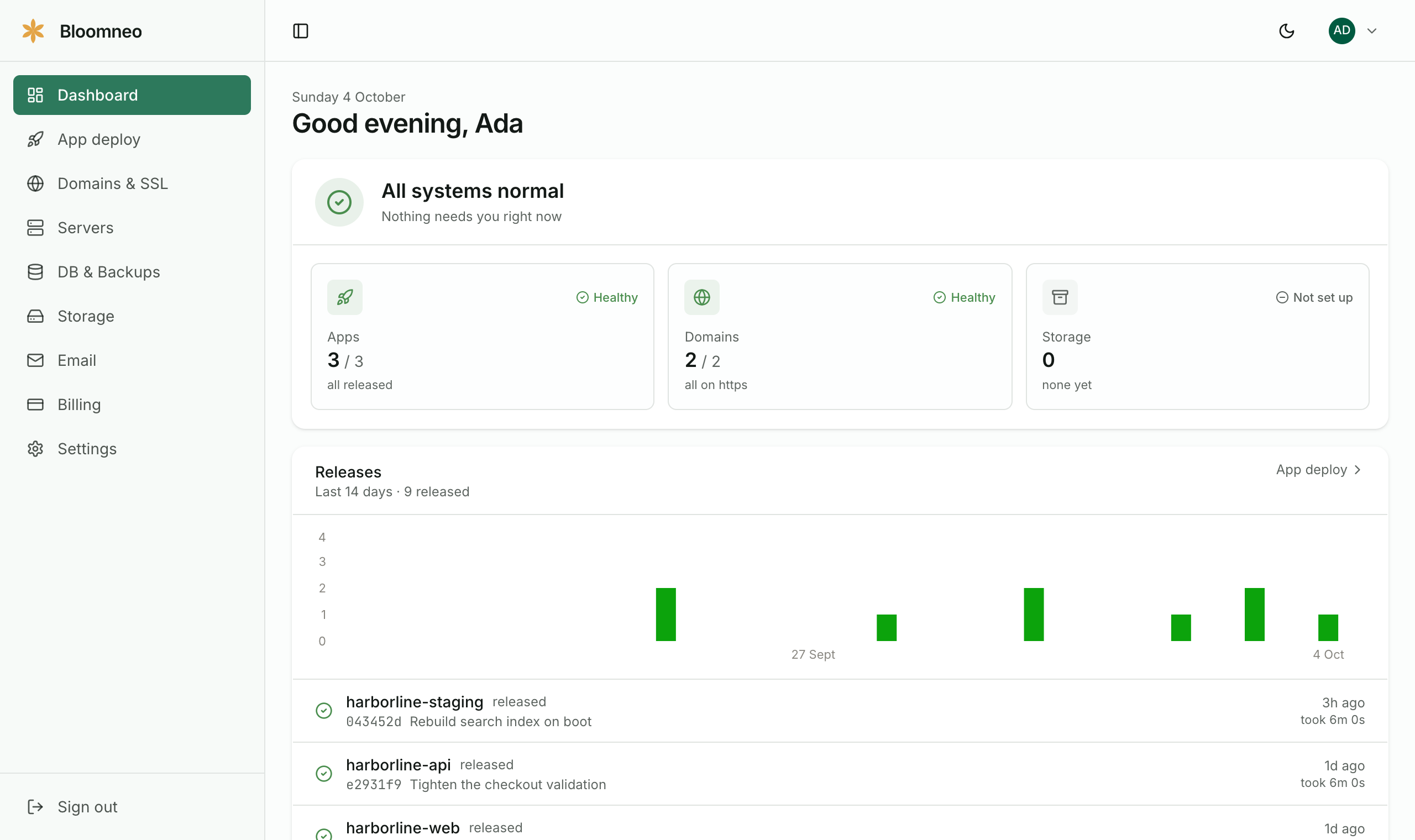
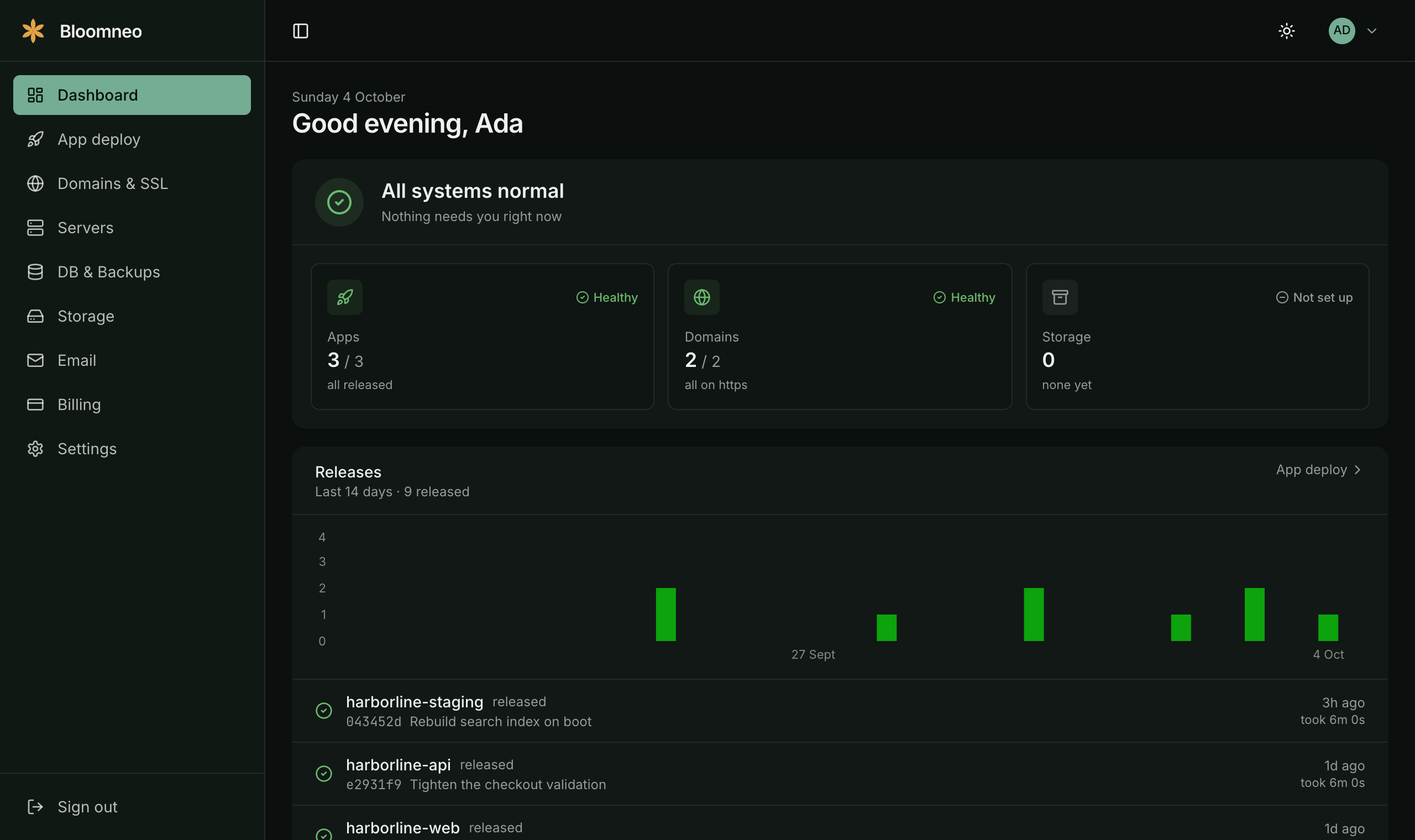
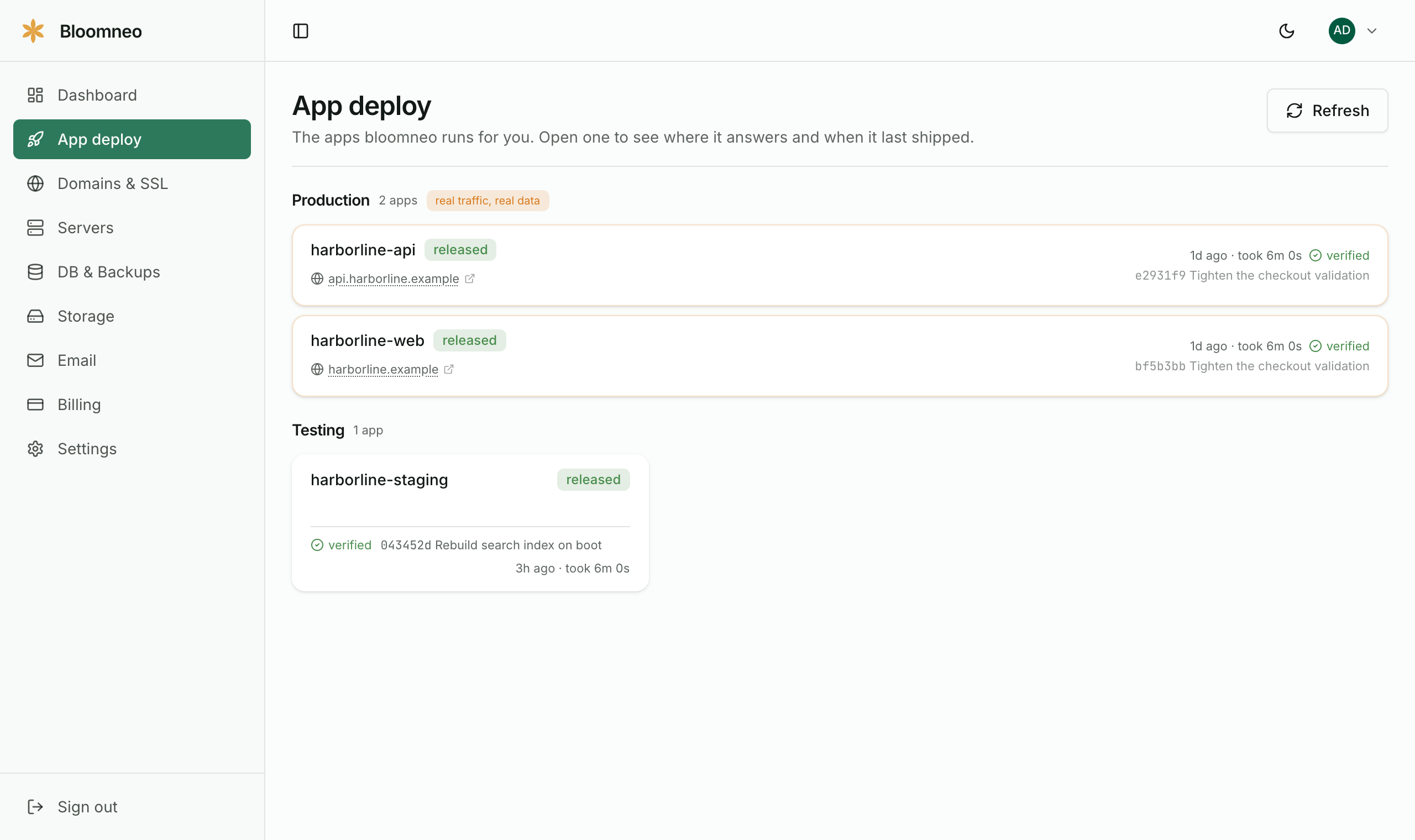
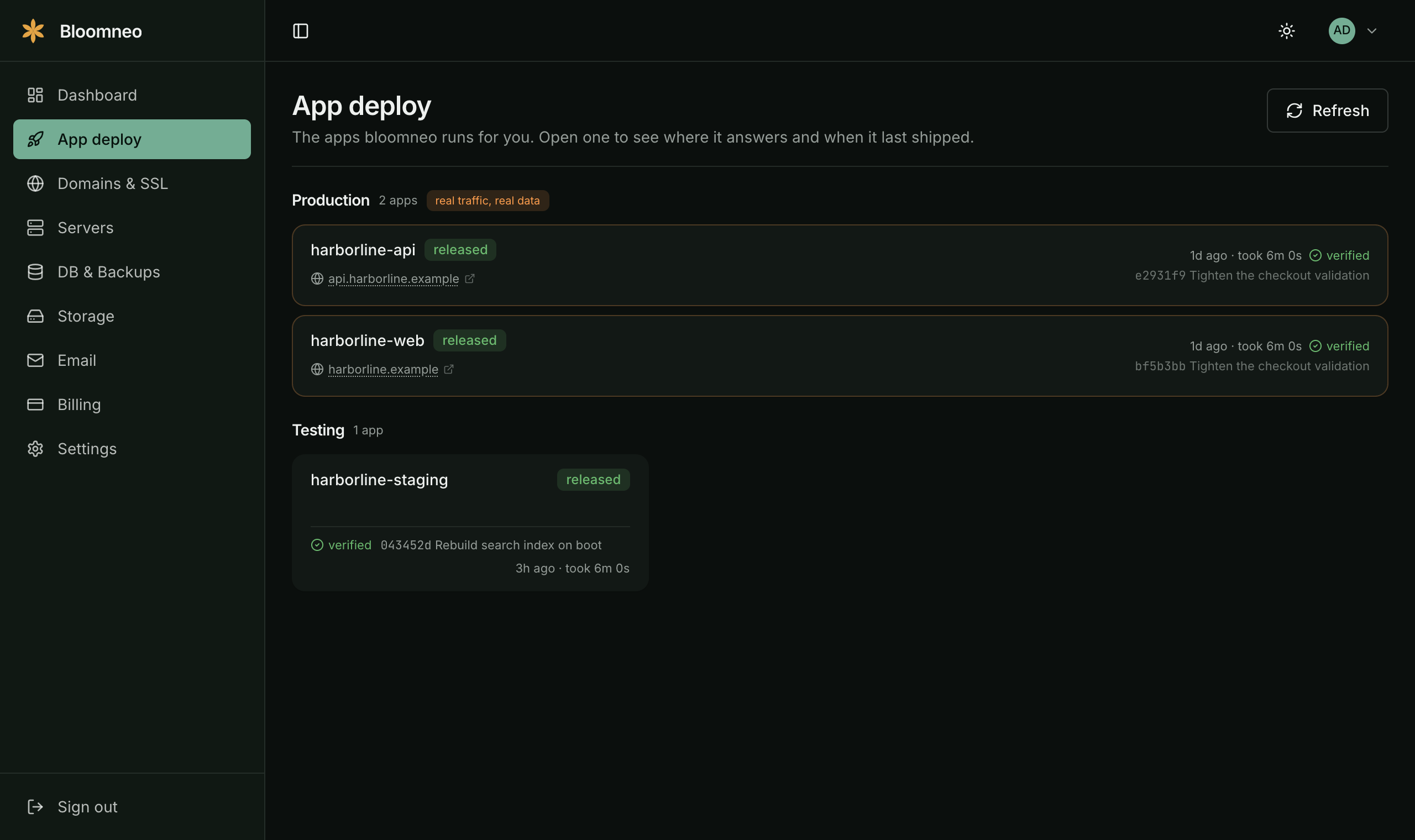
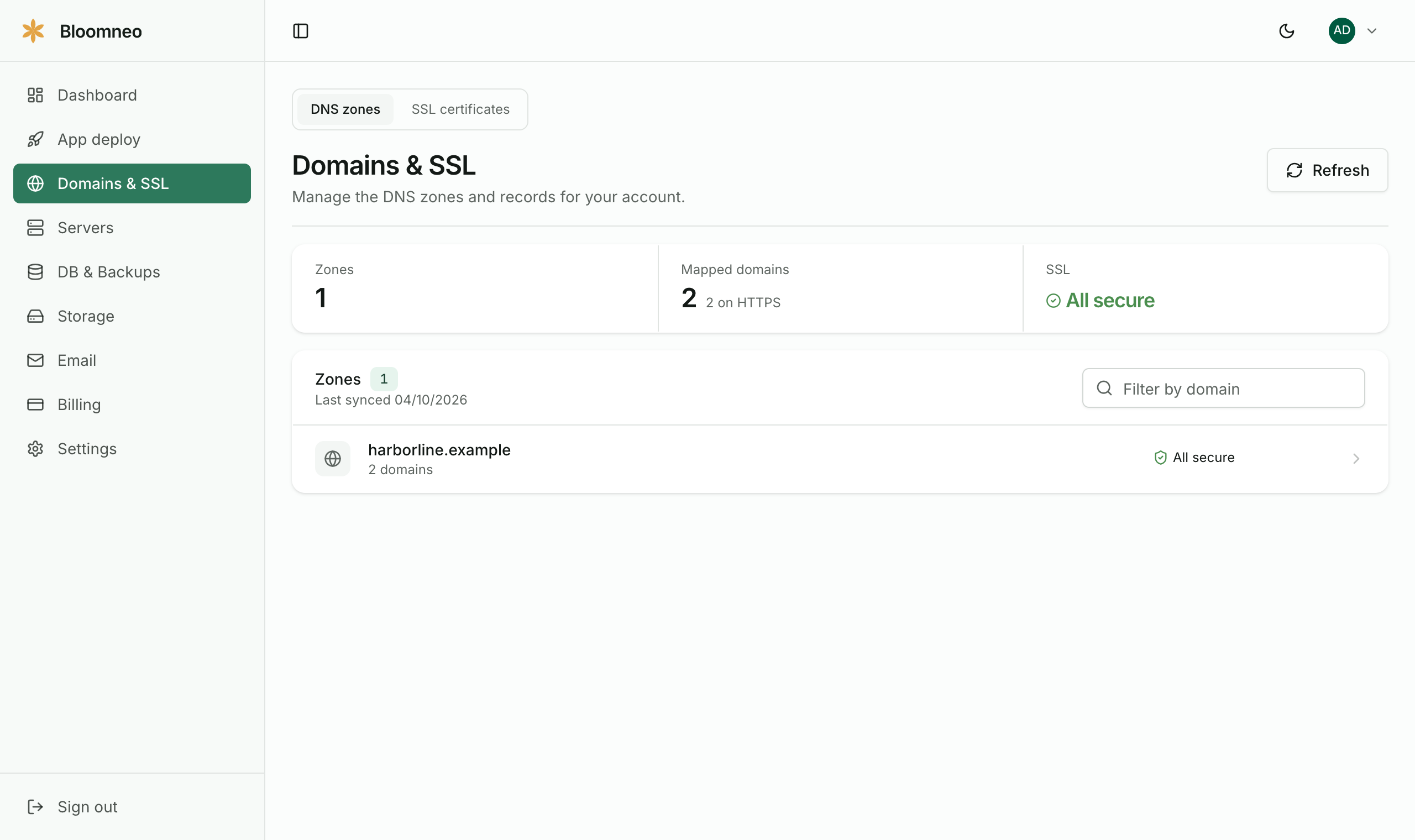
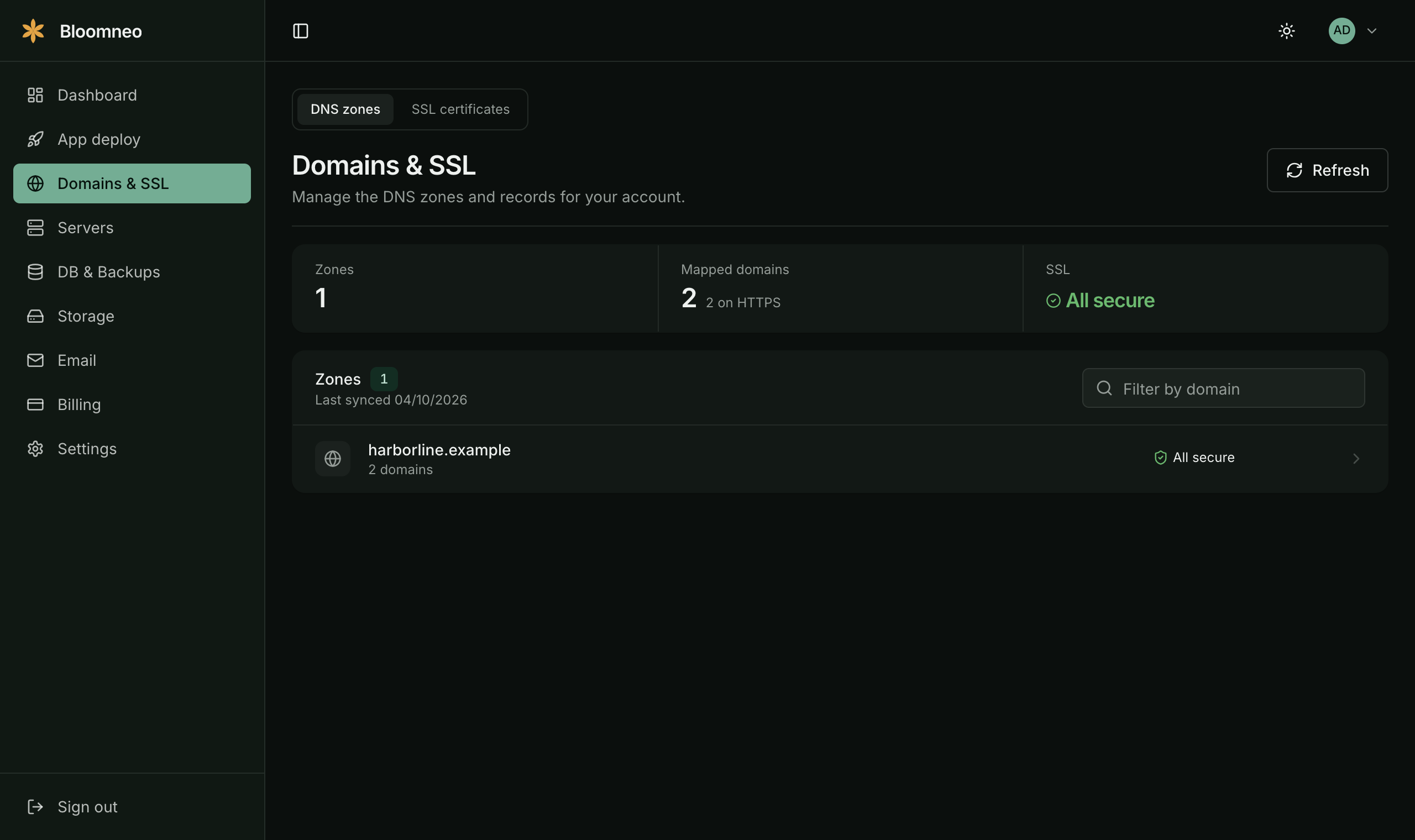
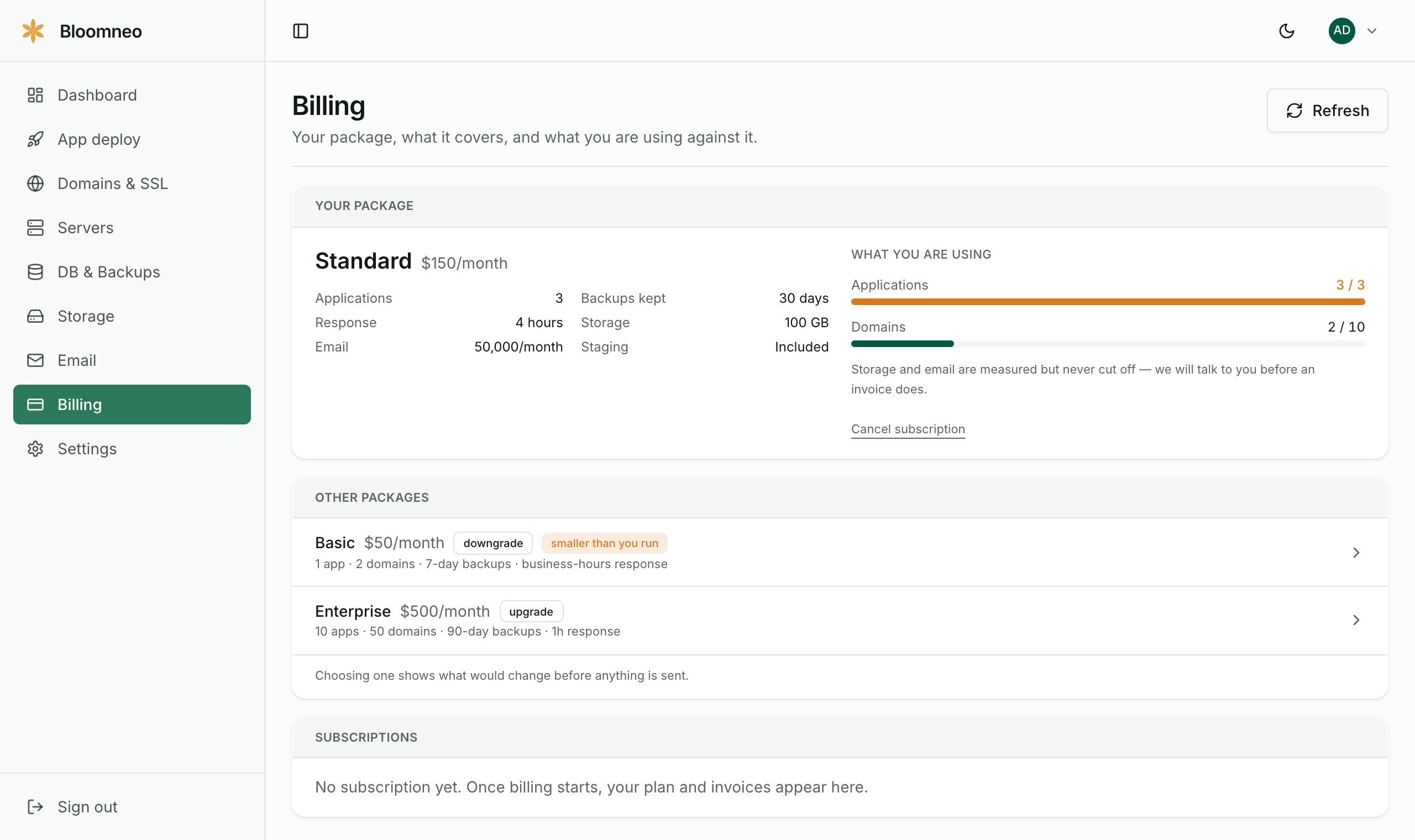
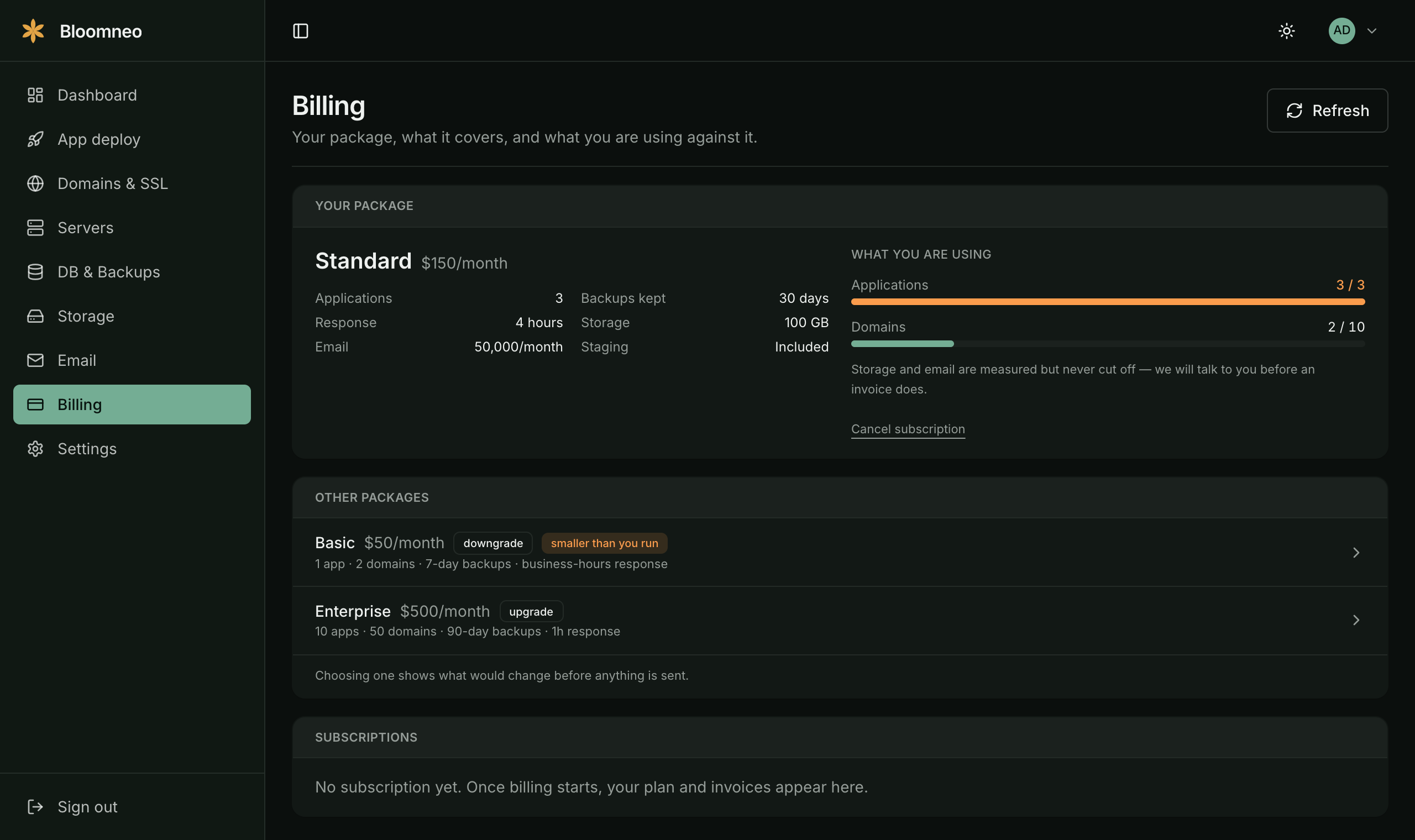
Open it and the first line tells you whether anything needs you. Applications, domains and certificates, then what has shipped recently — the questions you would otherwise have to ask us.
What is in the bundle
Every one of these is part of the platform and included in your package. Nothing here is a bolt-on you discover a bill for later.
DNS Management
Manage DNS zones and records
SSL Certificates
Let's Encrypt issuance and renewal
Server Management
Droplets, provisioning and health
Database & Backups
Postgres instances and restore points
Cache Management
Redis instances, keys and eviction
Storage
Wasabi buckets and access keys
Transactional Email
Templates, delivery and bounces
Schedulers
Cron jobs and run history
Codebase
Source delivery without repo access
Deployment
Releases, rollouts and rollback
Server Logs
Application, web server and process logs
Uptime Monitoring
Checks, incidents and alerting
What runs on a schedule
Every host says your servers are looked after. These are the schedules behind it, with the times and the numbers you can hold us to.
Database backups
Every database dumped nightly at 02:30 UTC to offsite object storage, kept 30 days.
Certificates
Issued and renewed automatically, with expiry tracked per domain — the renewal is not a reminder in someone's calendar.
Uptime
Every site checked continuously from outside the server, with alerts when a check changes state rather than on every blip.
Patching
Operating system and security updates applied on every server in your account on a schedule, with reboots planned rather than deferred indefinitely.
Access
Key-only SSH, a firewall on every host, and repeated-failure banning — the baseline a public IP needs within hours of existing.
Releases
Deploys keep the previous release on disk and health-check the new one before it takes traffic, so a bad deploy is a rollback rather than an outage.
Moving what you already have is the part people worry about.
So it happens in the order that risks least — the pieces that change nothing about how your application runs move first.
- 1
Add what you already have
Existing domains, certificates and servers go in first, and the dashboard shows what is actually there — which certificates expire when, what is not backed up, where each thing runs. Most of that is unknown at the start; seeing it in one list is the point.
- 2
Move it across, one piece at a time
DNS, certificates, backups and monitoring move first because they change nothing about how the application runs. The server move comes after, with the old one still standing.
- 3
Then it runs on a schedule
Patching, renewals, backups and alerts become a schedule on the platform rather than a reminder in somebody's calendar. Your login shows every one of them running.
Five situations people arrive with, and what the first week looks like in each: read the use cases.
Questions we are asked first
Do we have to move servers to use Bloomneo?
No. DNS, certificates, backups and monitoring can run against infrastructure you already have. Moving the servers is a separate decision, and what the dashboard shows you in the first week is usually what informs it.
What happens if the site goes down at 2am?
The check that notices it runs from outside your server, so it does not depend on the thing that failed. It alerts on a change of state, and the response times in our service level agreement are what we hold ourselves to.
Are the backups tested, or just taken?
Taken nightly, kept 30 days offsite, and restored to prove they work. A backup nobody has restored is a hope, not a backup — the difference only shows on the day it matters.
Can we leave, and take everything with us?
Yes. Domains stay registered to you, the data is yours, and servers, DNS and backups are exported on request. Nothing here is designed to make leaving expensive.
Do you replace our developers?
No. Bloomneo is the layer underneath what they build — servers, databases, certificates, backups, monitoring. They keep shipping; they stop being the person who remembers to renew a certificate.
What does it cost?
Packages start at $50 a month. Each one is listed on the pricing page with what it includes and the limits it carries, so you can pick one at sign-up and change it from the dashboard later.
Put the whole stack in one place.
Downtime, security patches, expiring certificates, backups nobody has tested, a server that cannot take the traffic — each one has a schedule on the platform rather than a place in somebody's week. Pick a package and start with one application.